
Interlink Blog
HMI Keypads Explained: How to Choose the Right Human-Machine Interface
HMI keypads compared by a UK manufacturer: membrane, silicone and capacitive touch — how to choose the right human-machine interface for your product.
Your machine might be a marvel of engineering. Nobody will care if the buttons feel horrible.
The human-machine interface (HMI) is where all that clever engineering meets an actual person, often a tired one, sometimes a gloved one, occasionally one who’s about to hit the wrong button at the worst possible moment. The keypad is the sharp end of that relationship. It deserves more thought than it usually gets.
The trouble is that “HMI keypad” covers several quite different technologies, and the right answer depends entirely on where the thing is going to live. So let’s compare them properly.
First, what counts as an HMI keypad?
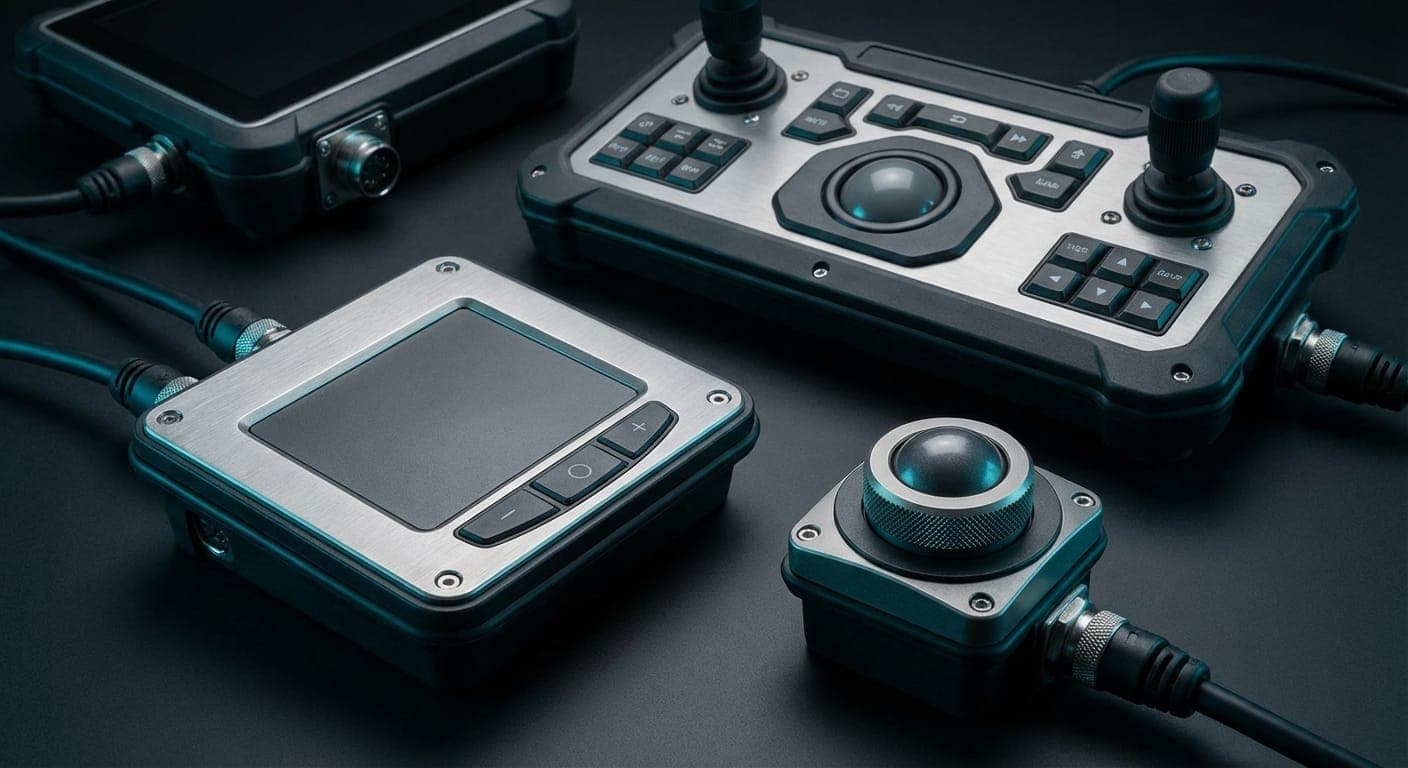
Broadly, an HMI keypad is the input layer of a human-machine interface: the keys, buttons and touch areas an operator uses to tell a machine what to do. It might be a few sealed buttons on a handheld instrument or a full control panel on a factory line. Underneath, you’ll usually find one of three constructions, membrane, silicone rubber, or capacitive touch, and increasingly, hybrids that borrow from more than one.
None of them is “best.” They’re trade-offs. Here’s how they stack up.
Membrane keypads: the workhorse
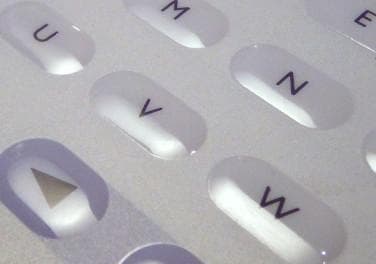
A membrane keypad is a thin, sealed, printed stack — graphic overlay on top, a printed silver circuit beneath, optional metal or polydomes for that satisfying click. (We’ve written a fuller guide to membrane keypads if you want the nuts and bolts.)
They’re the default for good reasons. They seal beautifully against dust and liquid, they’re flat and easy to clean, the graphics can carry your whole brand, and they’re cheap to tool because digital print and CNC cutting do away with most hard tooling. For medical devices, instrumentation, industrial controls and anything that needs a wipe-down, the membrane keypad is hard to beat.
Where they struggle: deep travel. If your operator wants a big, chunky, mechanical action, a thin membrane can only do so much — which is where the next option comes in.
Silicone rubber keypads: feel and forgiveness
Moulded silicone keypads give you generous key travel and a soft, durable press that survives abuse cheerfully. Think rugged handhelds, remote controls, outdoor equipment — anywhere the action needs to be definite and the gloves are thick.
Silicone takes colour and backlighting well, and it laughs off temperature extremes. The catch is tooling: moulded parts need a mould, so the up-front cost is higher and the design wants to be settled before you commit. Pair a silicone keymat with a printed graphic overlay on top and you get the best of both — tactile keys, branded face.
Capacitive touch: the sleek one

Projected capacitive (PCAP) keypads have no moving parts at all. You touch a printed sensor through a glass or plastic fascia and the field does the rest. They look superb, wipe clean in a single stroke (no recesses for grime to hide in), and there’s nothing mechanical to wear out.
They shine on premium consumer kit, clinical equipment and anything where hygiene or a seamless flat face matters. The compromises are real, though: bare capacitive touch struggles with thick gloves and standing water, gives no tactile feedback unless you add a haptic motor, and needs more careful electronics and EMC design. All solvable — just not free.
A cheat sheet, because you’re busy
Sealed, cleanable, brand-rich, sensibly priced → membrane keypad.
Deep travel, rugged, gloved use → silicone rubber, ideally under an overlay.
Flat, premium, hygienic, no moving parts → capacitive touch.
Can’t decide → you probably want a hybrid, and that’s a conversation worth having.
Most real products land on a blend. A sealed membrane panel with a couple of metal-domed emergency keys. A silicone keymat behind a printed fascia. A capacitive display surround with physical buttons for the functions that must work with gloves on. The technology should follow the use case, not the other way round.
The questions that actually decide it
Before you pick a construction, answer these honestly:
Environment. Indoors or out? Wash-down? Chemicals? What IP rating do you genuinely need — IP65, IP67, something less? Standing water and capacitive touch don’t mix; sealed membranes don’t mind a bit of weather.
Gloves. If operators wear them, tactile feedback stops being a luxury. A flat capacitive panel that ignores a gloved finger is a support ticket waiting to happen.
Feedback. Does the user need to feel the press, hear it, or see it? In a noisy plant, a firm mechanical click beats a beep nobody can hear.
Backlighting. Will it be used in the dark? Embedded LEDs and light guides need designing in early, not retrofitting.
EMC and shielding. Industrial environments are electrically noisy. Printed shielding layers can be built into the stack — far easier to plan than to bolt on afterwards.
Regulation and volume. Medical, rail and defence each bring their own paperwork; your annual numbers decide whether moulded tooling makes sense or whether low-tooling digital processes win.
Get those six answered and the right keypad usually picks itself.
Why design it with a manufacturer, early
There’s a running theme in everything above: the good decisions happen at the start. LEDs, shielding, sealing, tactile feel, connector choice — all cheaper and better when the keypad is designed alongside the electronics and the enclosure, not squeezed in once everything else is fixed. Bring your manufacturer in while the design’s still soft and they’ll spot the savings you can’t see yet.
The British angle
There’s a practical case for building your HMI keypad in the UK, and it isn’t sentiment. Same-time-zone engineering support, prototypes in days, no customs lottery, and tighter control over your IP — all of which matter most precisely when a design is still moving. Manufacturing under BS EN ISO 9001:2015, with RoHS and REACH sorted, also makes life easier when the auditors come calling.
Where to go next
If you’ve landed on membrane — and many of you will — our membrane keypads guide goes deeper on materials, sealing and tactile options. If you’re still weighing it up, the fastest way to decide is to hold the options: ask us for a free sample pack and feel the difference for yourself.
Interlink Electronics builds human-machine interfaces in the UK, from our facility in Irvine, Scotland (interface manufacturing there dates back to 1992). As the inventor of the Force Sensing Resistor, Interlink can take an HMI well beyond buttons into force sensing and printed electronics when a project calls for it. Tell us what you’re building and we’ll help you choose.